What is an age gate and why should I use one?
An age gate restricts entries from people of a certain age to enter your giveaway, depending on the age minimum and maximum you set. Age gating your forms is optional, but is a good idea if you require someone to be of a certain age in order to win your prize (example, if the prize includes alcohol, everyone who enters the giveaway must be of legal drinking age). Users can establish minimum and maximum age parameters while they are creating their landing page form.
How do I set an age gate?
- On the integrations page, you can enable the age gate feature.
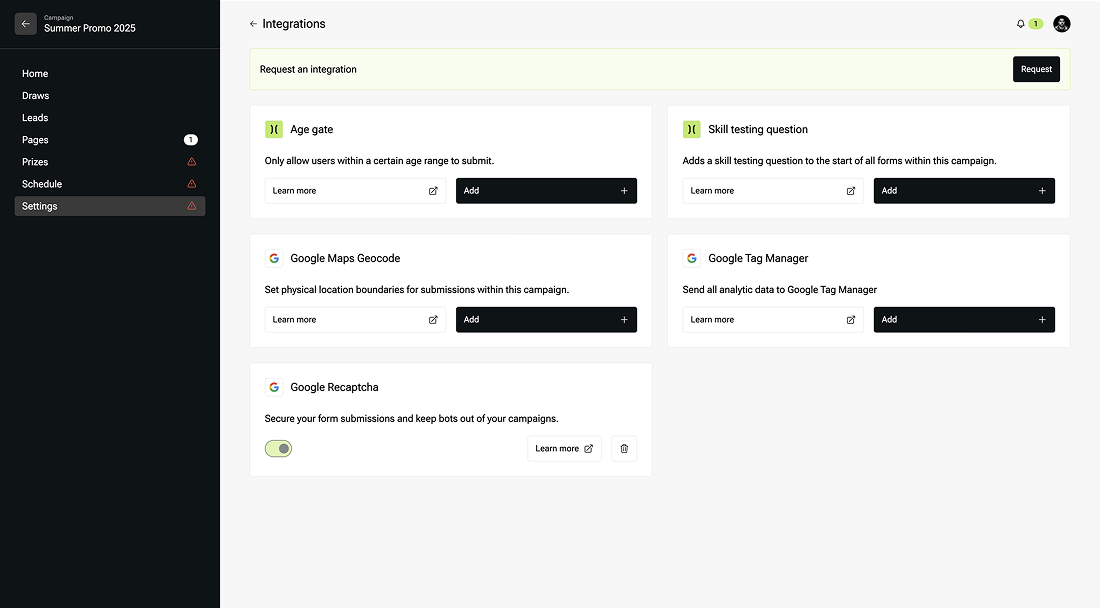
- Add the minimum and maximum ages you require.
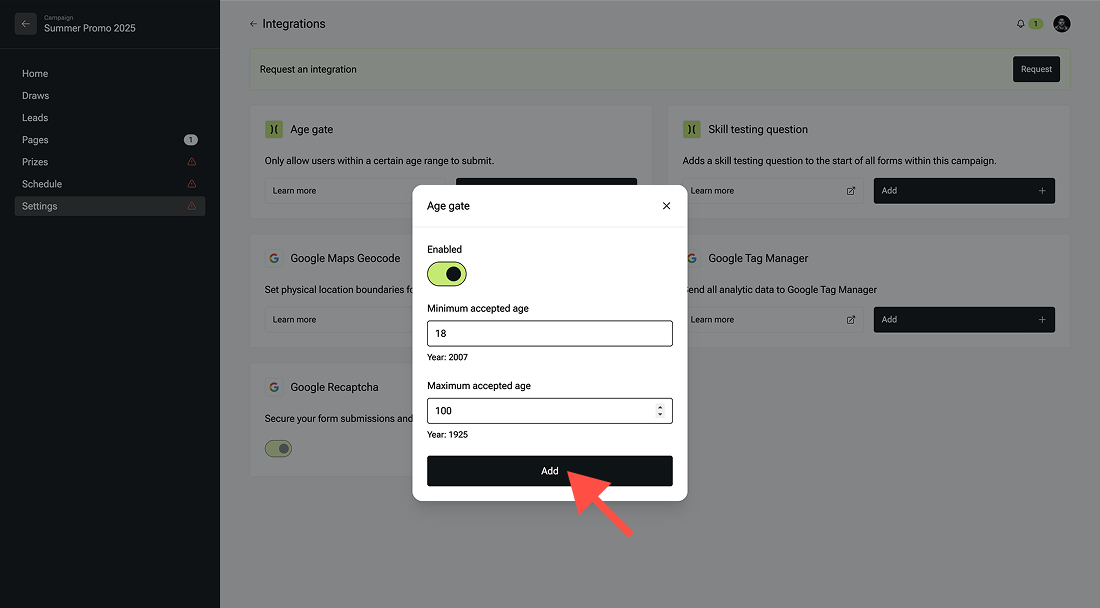
- Then click add.
Where will the age gate appear?
The age gate will appear on your landing page as a pop up right after a page visitor clicks to enter to the giveaway (right before they have to submit their name and email to officially enter the draw). You can also add a skill testing question as a pop up prior to the entry page, which appears in a similar fashion as the age gate feature - as a pop up before the entry page.
